Find your connection
Choose a location and server in the app. Check the available connections before you settle in.
YOUR EVERYDAY VPN · ANDROID
A little more freedom. A lot less effort. Choose a location, tap to connect, and get on with your day.
Coming to Google PlayFor Android. Preparing for launch on Google Play.
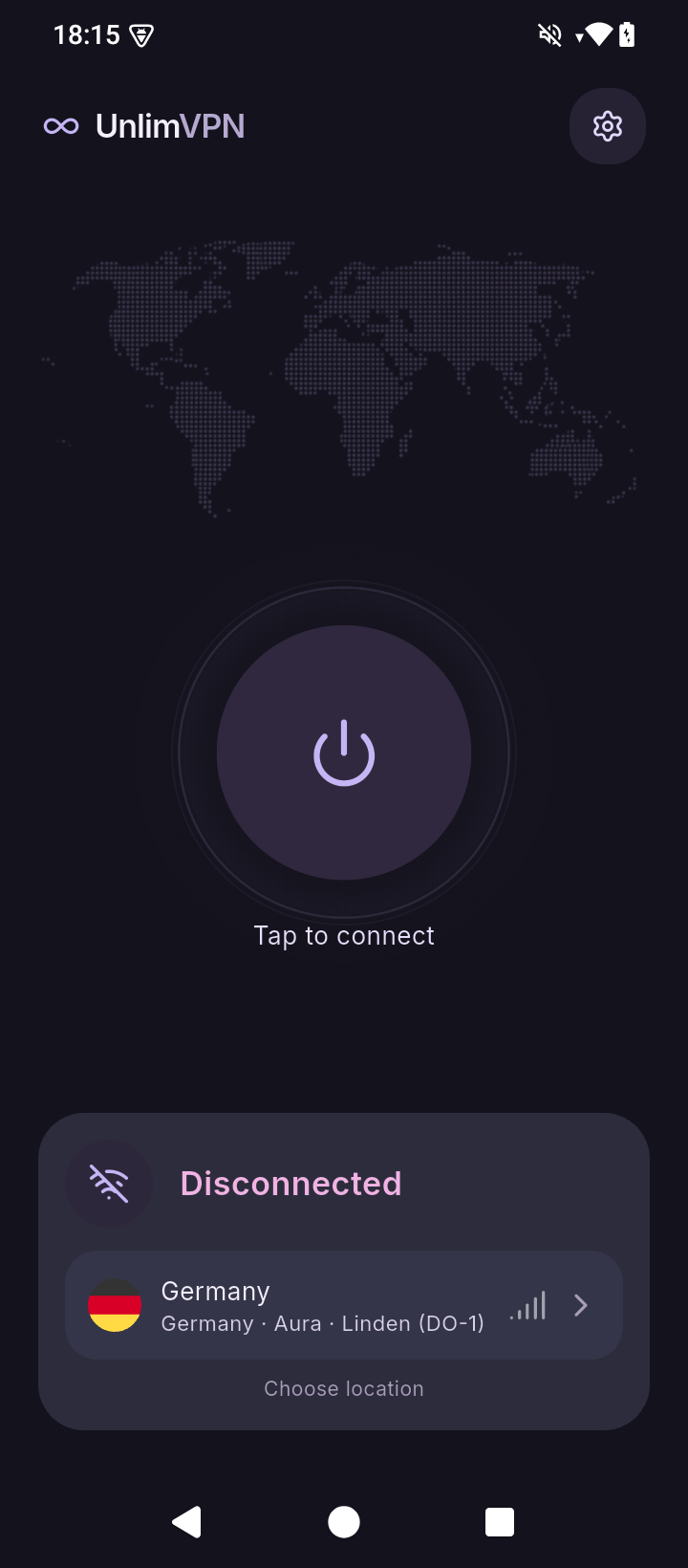
A clear view. A single tap.
LESS FRICTION. MORE CONTROL.
Choose a location and server in the app. Check the available connections before you settle in.
Choose which apps use the VPN. Leave the rest on your regular connection with app exclusions.
See your connection status, selected location, and session information in one calm, clear view.
Once the app launches, install UnlimVPN from Google Play on your Android device.
Explore the available locations and choose a server.
Allow the Android VPN connection request. You’re ready to go.
UnlimVPN is made for Android. The Google Play release is being prepared; the button leads to its future store page.
Yes. Open app exclusions in UnlimVPN to keep selected apps on your regular internet connection.
Visit our legal center for the Privacy Policy, Terms of Use, and information about data and deletion.
Email our support team at humble.gmbh.co@gmail.com. Please describe the issue and include your Android version.
A simpler way to connect, wherever your day takes you.
Coming to Google Play